Sharing
Collaboration
Live editing with other people in the same note — cursors, presence, and changes that merge as they happen.
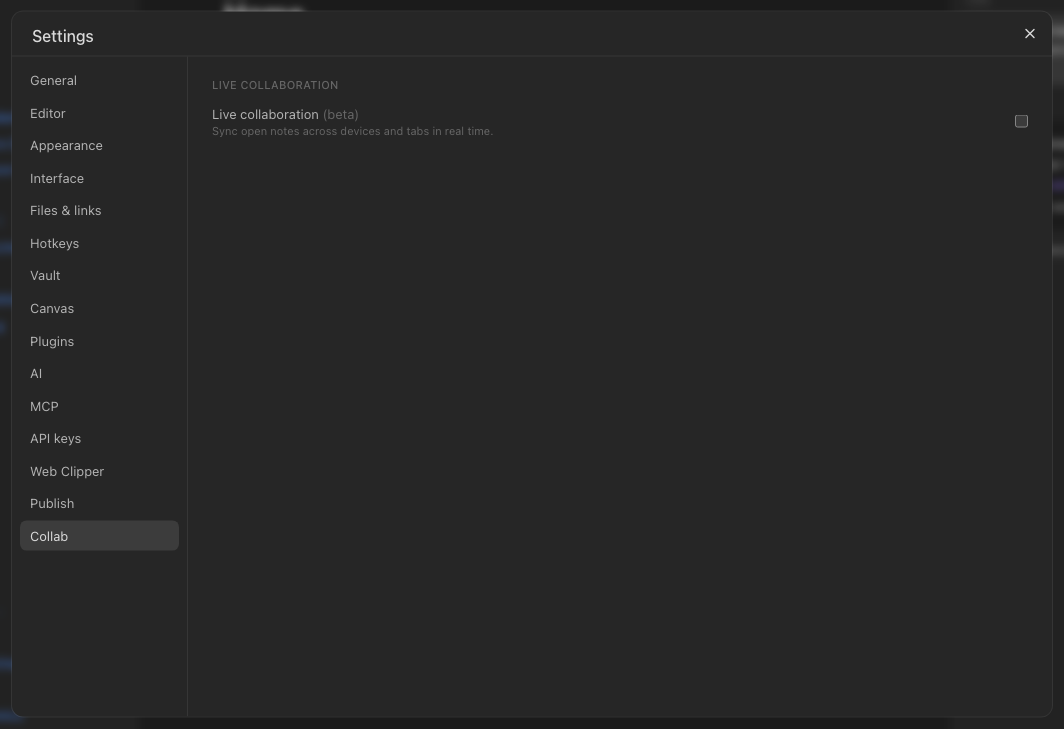
WhereSettings → Collab
Turning it on
Settings → Collab, per vault. Once on, a note open in two places — two browsers, two people — edits live: keystrokes appear as they are typed, each person's cursor shows in their colour, and nothing is lost when both type at once.
What to know
Live sessions still save to the vault the ordinary way, so nothing depends on everyone staying connected. Undo is yours alone: ⌘Z takes back what you typed, never what someone else did. If a live session cannot connect, the editor falls back to normal single-user editing after a few seconds rather than blocking you.