Organising
Bookmarks
Pin the notes you come back to — the bookmarks tab keeps them one click away.
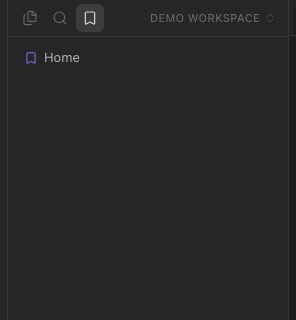
WhereLeft sidebar → third tab (the bookmark icon); the bookmark icon above a note
Bookmarking
Click the bookmark icon at the top-right of a note, right-click a note in the explorer → Bookmark, or use the palette (Bookmark current note, Bookmark all tabs).
The Bookmarks tab
The third tab of the left sidebar lists them. Click to open; the icon on a note toggles it off again.